Launch prices · until December 31
--DAYS--HRS--MIN--SEC
Premiere Pro · Mac + Windows

Premiere Pro in the palm of your hand.

Stop wasting time dragging effects and digging through menus. Type the name, press Enter and it is on your clip. Absolute speeds up your edit and gives you back the hours it was eating.

· Launch price · one-time payment · no subscription

Compatible withPremiere Pro 26.0 – 27macOSWindows
24-hour supportUpdates for every product
How it works

Three steps. Zero menus.

Real screen recordings of Absolute and CurveSmith inside Premiere Pro.

01

Any preset, one search

  • Type the name of a motion preset and apply it without opening a menu.
  • Native effects and commands live in the same bar.
02

Presets that land with keyframes

  • Pick a preset and it lands on your clip with real Bézier keyframes.
  • Tweak it afterwards in Effect Controls, like any keyframe.
03

CurveSmith fixes the curve

  • Stop fighting Premiere’s curve handles with the mouse.
  • Choose the ease, see it before applying and write it to your keyframes.
Real edits

Animated text in action.

Real editing workflows where the text carries the video.

REAL ESTATE
TALKING HEAD · HYBRID
EDUCATIONAL EDIT
Plugins

Which editing task is taking up your time?

Choose the problem you want to solve: how each plugin works, what is included and its price.

Absolute box
Best sellerWIN · MAC

ABSOLUTE

Stop dragging. Stop losing minutes on every clip. Absolute puts all of Premiere one keystroke away.

  • Speed, Black & White, transitions, any preset: type it and it is already on your clip
  • No more digging through the Effects panel or opening menu after menu
  • Adjustment layer, transparent video, black video and color matte in one click
  • Color labels for your clips without opening a single menu
  • Every Premiere command and native effect from the same search bar
  • Open CurveSmith, Obsidian and Notes from the same bar, with Notes included
  • Your own shortcuts, kept after every update
  • …and much more: new commands and presets arrive with every update.
See how it helps
CurveSmith box
Launch offer · 80% offWIN · MAC

CURVESMITH

Fluid, fast motion. No simulations, no tricks: real curves on your keyframes.
  • Ease In, Ease Out, Anticipation or Overshoot in one click, previewed before you apply
  • Animations that feel smooth and alive instead of robotic
  • Stop wrestling with Premiere’s curve handles: shape it, apply it, done
  • Coming soon: Speed Ramp, in the same panel
See how it helps
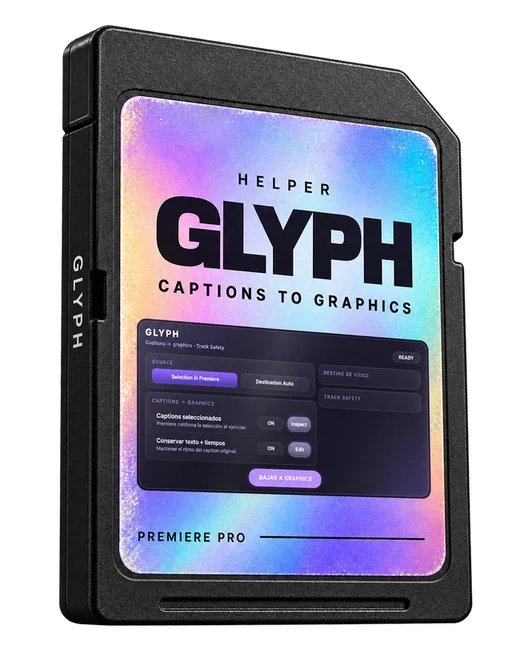
Coming soon: Glyph & ObsidianCaptions to graphics and your template library. Already included in the Complete Bundle. Coming soon
Equinox collection · Preset packs

Stop rebuilding every effect from scratch.

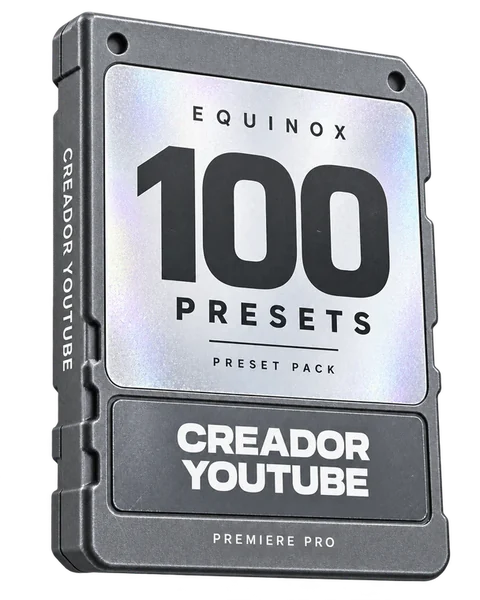
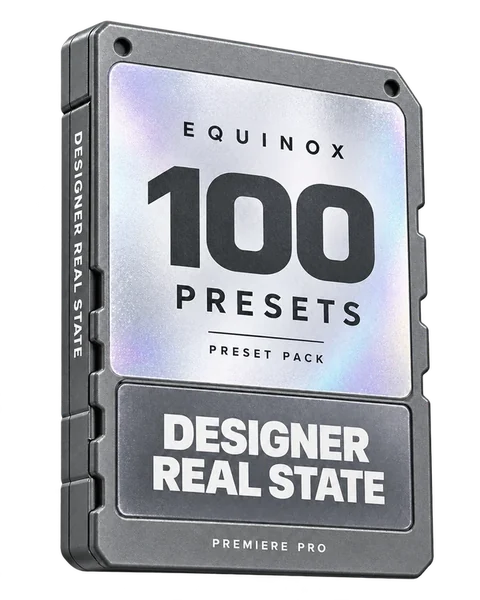
The new Premium pack and three packs of 100 presets for Premiere Pro, built only with native effects. Open each pack and watch every preset move before you buy.
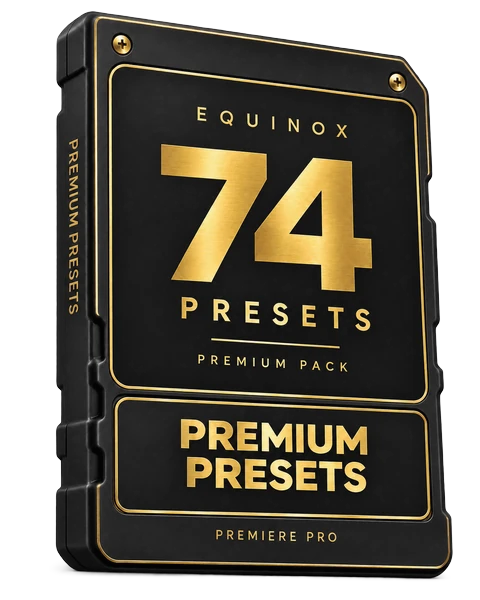
Equinox Premium Presets box
New · Premium pack

Premium Presets

Drag, drop, animated.

74 presetsTextTransitionsNative Premiere effects

+ Equinox Glow & Equinox Shadow, our own glow and shadow effects · coming soon
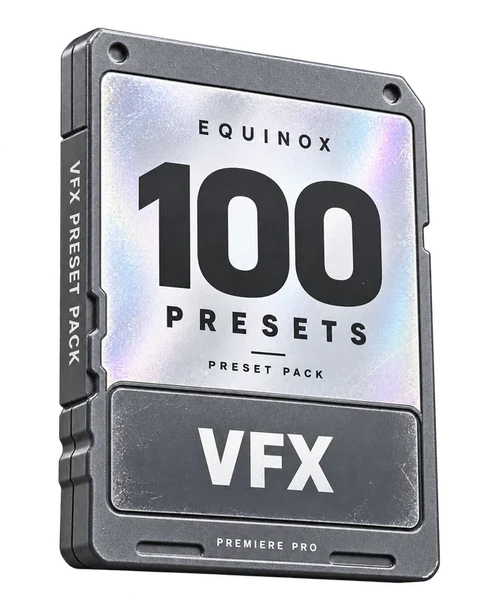
USD 9.99One-time payment · instant download

USD 5.99 USD 14.99One-time payment · instant download

USD 5.99 USD 14.99One-time payment · instant download

USD 5.99 USD 14.99One-time payment · instant download

What you download

    USD 5.99 USD 14.99One-time payment · instant download

    Preview drawn in your browser from each preset's real keyframes; it is not a Premiere render. Native effects tested in Premiere Pro 26.5.2 on macOS; some recent effects do not exist in older versions.

    Pairs perfectly with Absolute

    Add Premium Presets

    74 premium presets for text, icons, VFX, light and color looks. Import them once and call any of them from Absolute's search bar by name or ID.

    USD 9.99
    Or a 100-preset pack · USD 5.99
    Premium Presets · 74 presets
    Ecosystem

    Your deadline cannot wait while you look for every tool.

    Every menu search and repeated adjustment takes time away from the next cut. Bring commands, presets, captions, curves and templates into one workflow with Absolute, Glyph, CurveSmith and Obsidian.

    Equinox ecosystem

    Complete bundle

    Stop handling every task in a different place. Four plugins for the actions you repeat in every project, with Notes included with Absolute.

    AbsoluteGlyph soonCurveSmithObsidian soonNotes (included)
    Premium Black Mate skin includedExclusive with this bundle · offer until December 31

    + Access to the 3 new plugins launching through February.

    At launch you get Absolute and CurveSmith. Glyph and Obsidian are included and unlock when they launch.
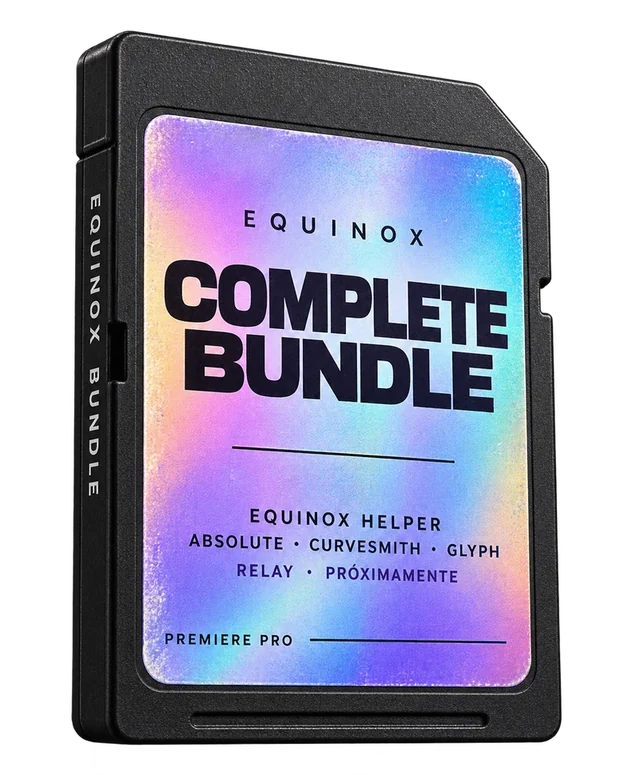
    See the plugins
    Equinox Complete Bundle box
    Partner

    Title graphics are by Clashi.

    Equinox / Obsidian do not include title packs. The examples are by their original creator, Clashi VFX, and are sold separately at clashivfx.com.

    Why Equinox

    Repeated steps cost you time, too.

    01

    Find the effect without searching menus

    Type what you need in Absolute and apply the command or preset without getting lost in the Effects panel.

    02

    Switch tasks without searching for another panel

    Open commands, captions, curves and templates from Equinox Helper to stay focused on your deadline.

    03

    Mac and Windows

    Use the ecosystem on Windows or macOS. Check compatibility with your version before installing.

    04

    One-time purchase

    Buy the module for your task or get all four in the bundle. No monthly Equinox subscription.

    Built by a working editor

    Equinox comes from the daily work of Equinox Code.

    Reels, promos and motion for brands. Every plugin was born from a step that was slowing down a real edit.

    Support and frequently asked questions

    Before you buy.

    Compatibility, licenses and technical support, explained clearly.

    Which Premiere Pro version do I need?

    They currently work with Adobe Premiere Pro 26.0 to 27, and we keep updating them for new versions. Every product includes updates and 24-hour support.

    Do they work on Windows and macOS?

    Equinox supports both platforms. Module availability and compatibility may vary by plugin version and operating system. Check the relevant version before installing.

    Is this a one-time purchase or a subscription?

    Each plugin or bundle is a one-time purchase. No monthly Equinox subscription is required.

    What does the Complete Bundle include?

    Absolute, Glyph, CurveSmith and Obsidian in the Equinox ecosystem. Notes is included with Absolute. Bundle buyers also get access to the 3 new plugins launching through February and, until December 31, the premium Black Mate skin.

    Does Obsidian include title packs?

    Obsidian lets you browse and manage compatible templates. Third-party packs, including Clashi VFX packs, are sold separately. The examples shown are demonstrations.

    What if I encounter an error or the plugin does not work?

    We investigate the issue and work to resolve it through technical support, a fix or a plugin update. If a product fault prevents it from working in a compatible environment and we cannot resolve it, we refund your purchase. This does not limit your consumer rights.

    What if a Premiere Pro update causes problems?

    We investigate reported compatibility issues and work on fixes where appropriate. If a confirmed Equinox fault prevents you from using the product and we cannot resolve it, we also offer a refund.

    How do I request support or a refund?

    Contact Equinox through its official support channels. Include the plugin, Premiere Pro version, operating system, error and proof of purchase so we can investigate and help.

    Support continues after your purchase.

    For a verified plugin issue, we work on a fix or update. If no compatible solution is available, we refund your purchase.